Models (product catalog)
A product catalog and its model pages. The control-unit product card (ModelPageSection and its sub-blocks) is one block from the designer, kept verbatim: it is compact, and the other sections do not fit inside it (Kirill, 2026-08-26).
ProductCardssections/ProductCards.astroon 1 site of the fleet
ProductCards — the catalog teaser: a heading on a dark band and the <Product> cards straddling its lower edge onto the white below. Use for: the product overview on a home page — two to four models, each with a picture, a name and a link to its own page. Not for: the full catalog with a paragraph and a feature list per product (<ProductList>); services that are not products (<FeatureCards>). Children: <Product> tags, two to four. Layout: without `columns` the cards share the row equally; set `columns` 2–4 when there are more cards than fit one row.
THE STATIONS
Pick the one that matches the field
All three speak to the same gateway and the same dashboard.
Station N1
One field, one crop, the essentials.
Station N3
Several fields, extra sensors and leaf wetness.
Gateway G2
The link every station in range talks through.
ProductListsections/ProductList.astrosub-blocks: Producton 1 site of the fleet
ProductList — the catalog itself: one <Product> per row, the name, text and button on the left, the check-marked feature list and the picture on the right. Use for: a models page, a service catalog where every item deserves a paragraph and a list. Not for: the compact card teaser (<ProductCards>). Children: <Product> tags, one per row, divided by rules.
- Air and soil temperature
- One season on a battery
- Mounts on a standard post
- SMS and e-mail alerts

ENTRY
Station N1
For a single field
- Air and soil temperature
- One season on a battery
- Mounts on a standard post
- SMS and e-mail alerts
- Leaf wetness and wind
- Expansion port for extra sensors
- Four kilometres to the gateway
- Field-swappable sensors
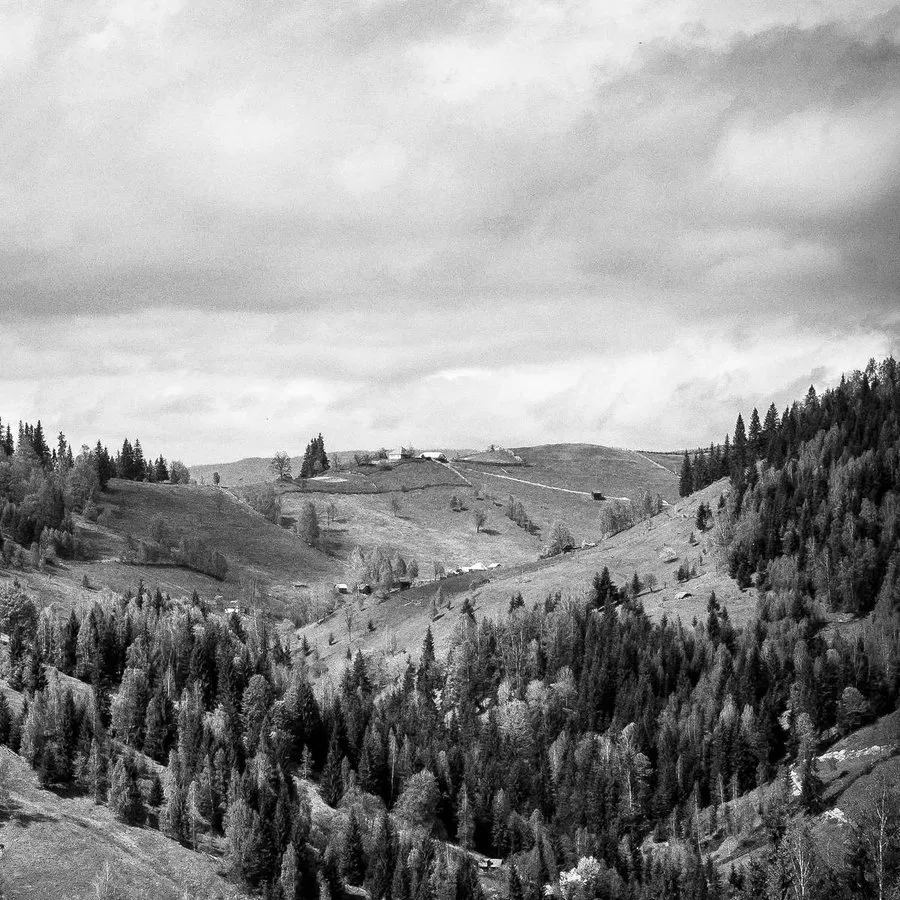
Station N3
For several fields and a demanding crop
- Leaf wetness and wind
- Expansion port for extra sensors
- Four kilometres to the gateway
- Field-swappable sensors
ProductPromosections/ProductPromo.astroon 1 site of the fleet
ProductPromo — a product promo block: a photo with a customer citation over it on the left; a heading, paragraphs, a grid of figures and two buttons on the right. Use for: one flagship product presented with proof — a quote and numbers — on a home page. An author block kept from one of the fleet's sites, one fixed shape. Not for: plain numbers (<StatsSplit>); a plain call to action (<CtaSplit>). Children: none; everything is props. Text: `text` is one paragraph or an array — the first paragraph is set larger and centered as a lead. Buttons: ALWAYS set both button titles and links; the defaults are the original site's Swedish texts. `linkTitle` renders an arrow link under the figures that has no target of its own. Picture: `imageName` (file name in images/) is cropped to fill the tall card behind the citation.
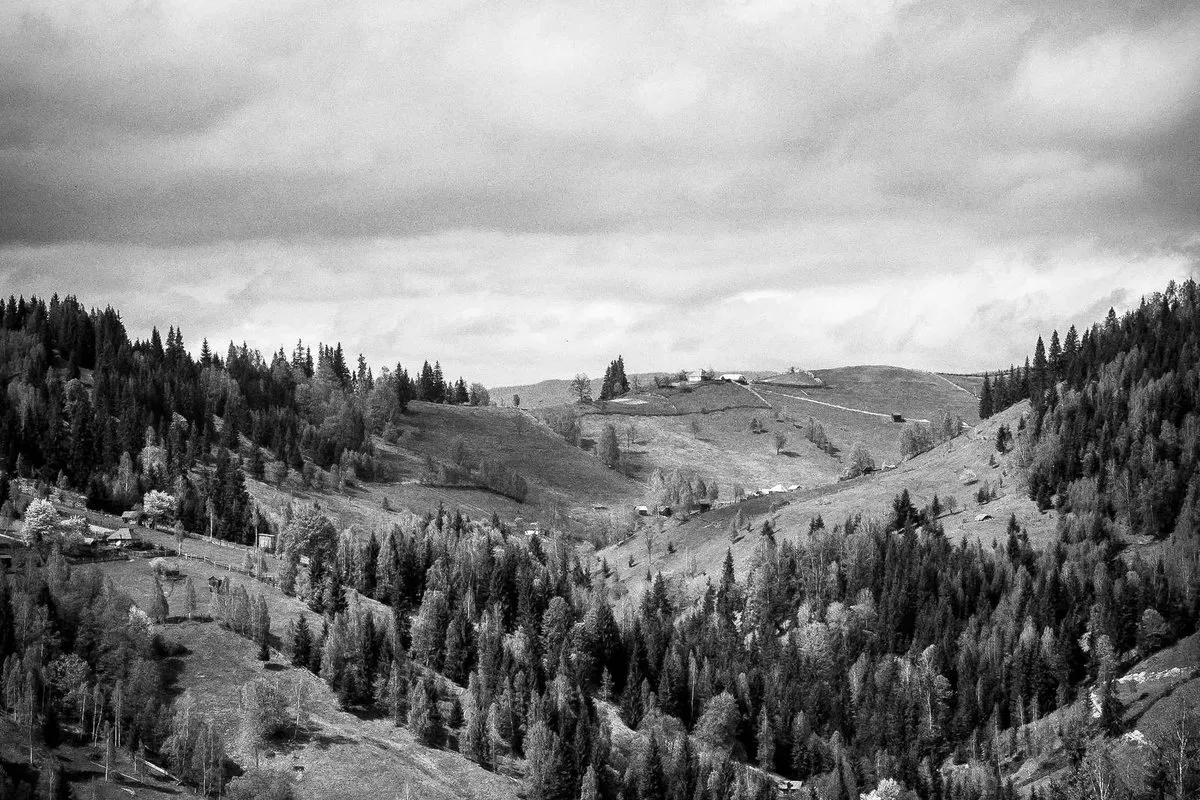
We swapped eleven stations in one morning and did not open the manual once.
Tomas Berg, Björk & Sons
Introducing the N3 generation
The third generation measures leaf wetness as standard, doubles the radio range and holds a week of readings when the network is away.
- range to the gateway
- 4 km
- readings buffered
- 7 days
ModelPageSectionsections/ModelPageSection.astrosub-blocks: AttachmentItem, AttachmentsSection, DistributorItem, DistributorsSection, ErrorCodesSection, HighlightItem, HighlightsSectionon 1 site of the fleet
ModelPageSection — a whole product page in one tag: the picture and the title with a description, then a certification tab with paragraphs and certificate scans, a technical-specification block, an FAQ list, and the sub-blocks placed under the description. Use for: the page of one model of a certified device — a control unit, an instrument — where the certificate and the spec sheet are the content. An author block kept from one of the fleet's sites, kept verbatim: it is compact and nothing else fits inside it. Not for: a general product page (compose <HeroSplit>, <FeatureList>, <Downloads>, <Faq> instead). Children: the sub-block tags, in any order, rendered under the description in the right column: <AttachmentsSection> (files), <ErrorCodesSection> (a link line), <HighlightsSection> (icon cards), <DistributorsSection> (contact cards). Plain markdown is rendered there too. Pictures: `modelImgName` is the product shot (cropped to fill a rounded box); `certificateImgNames` and `techSpecImgNames` are scans shown in a two-column grid.
Station N3 — for several fields
The station that carries leaf wetness, wind and an expansion port, and still runs a full season on one battery. Mounts on a standard post with a single bolt.
Communication protocol
- Radio protocol
Error codes
For the full list of error codes and what they mean, click here
Highlights
Cloud or your own server
The same software, either in our cloud or inside your network.
A week of buffer
The gateway keeps reporting when the uplink is away.
Field-swappable
Sensors change by hand, with no tools and no service visit.
Distributors

Almara Agri

Kestrel Supply
Certification
Certificate of conformity


Source links point to engine-astro@7b686388. Samples are demo content: the components are the real ones, the copy and the pictures are made up.